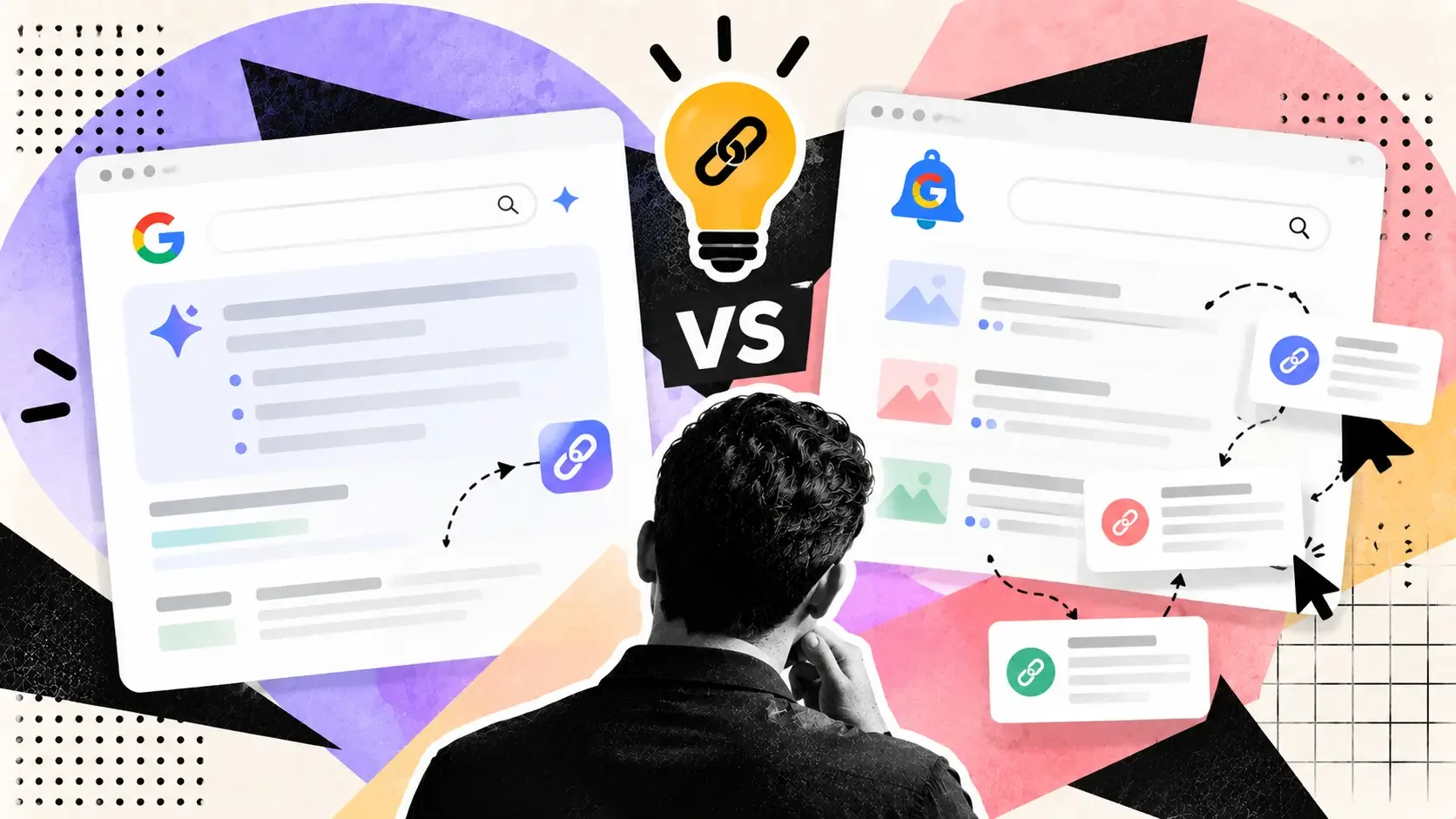
Google's AI Mode monitoring is live for everyone, but its examples are local and shopping. Here is a one-week test against Google Alerts for link leads.
On September 28, Robby Stein, Google's VP of Product for Search, announced that AI Mode's information monitoring is rolling out to everyone globally. Search Engine Journal covered it the same day. The obvious question for link builders is whether you can point it at your brand and get a free feed of unlinked mentions and roundup articles to pitch.
Nobody has published an answer. What follows is what Google has said, what that implies for link prospecting, and a test you can run in a week.
What Google has announced
Stein's post, quoted by Search Engine Journal, says users can "tell AI Mode exactly what to look for," and that Search will "continuously check across changing info on the web like sites, forums and social posts, our real-time data sources, and Shopping Graph of 60B+ products." It will also suggest tasks while people search.
The examples in the announcement were all local or shopping: weekend pop-ups, new restaurants, holiday activities for kids, back-in-stock alerts and price drops. The demo showed a user asking about vintage markets and pop-up events in Austin. Nothing in the post mentions publishers, mentions of a brand, or link building.
Search Engine Journal also points out two gaps. Stein's June post said agent updates would include links to the web, but Monday's post doesn't mention links, and neither explains how Search chooses the sources behind an update. So whether a monitoring update tells you where the information came from, and with a clickable source, is not established.
Why it might help, and why it might not
The case for it is simple. Google Alerts has long been the free default for brand monitoring, and it works from keyword queries. AI Mode monitoring says it watches forums and social posts too, and it can interpret a plain-language request like "tell me when someone writes a roundup of tools in my category," which a keyword alert can't express.
The case against is just as simple. A product built for people who want to know when a restaurant opens isn't designed to give a marketer a clean list of URLs. If it summarizes instead of listing sources, you'll know something happened without knowing where. And because Google hasn't said how it picks sources, you can't assume coverage. A tool that misses half the relevant pages looks fine until you compare it with something else.
A test that gives you an answer
Run both tools against the same ground truth for one week, and measure the overlap.
Step one is to build your baseline. Before the week starts, list ten to twenty pages you already know exist: recent roundups in your niche, articles that mention your brand without linking, competitor mentions. Keep the list hidden from the tools; it is the answer key.
Step two is to set up the alerts. In Google Alerts, create alerts for your brand name, your brand name plus a product keyword, and two roundup-style phrases such as "best [category] tools." In the Google app, ask AI Mode to monitor the same four things in plain language. If the feature hasn't reached your account yet, note that and retry later; Search Engine Journal says rollout is ongoing.
Step three is to log what each one sends. For every alert or update, record the date, whether it named a source, whether the source had a clickable URL, and whether the page is new to you or already on your baseline list.
At the end of the week, score each tool on three numbers: how many of your baseline pages it caught, how many new relevant pages it found that you didn't have, and what share of its alerts carried a usable URL. Those three numbers are the whole comparison. If AI Mode catches fewer baseline pages than Google Alerts but finds more new ones, you have a reason to run both. If it never gives URLs, it isn't a prospecting tool no matter how good its summaries are.
What to do with what you find
Mentions without links are the cheapest link opportunity most brands have, and we've written about why they matter in backlinks versus brand mentions for AI search citations. A page that already talks about you has already decided you're relevant. The outreach is a short note asking whether they'd add a link.
For roundup pages, the same logic applies at a lower success rate, and a polite pitch is the way in, as our guide to what gets a pitch accepted explains. Don't use any monitoring feed to build a list for bulk, templated outreach. That's the part that gets ignored, and in our post on diminishing returns from follow-up we looked at why more messages don't produce proportionally more links.
What this is not
Treat this as an experiment, not a strategy. Google's announcement says nothing about link prospecting, and this post isn't claiming the feature does it. If your test shows AI Mode monitoring is useful for finding pages, you'll have evidence from your own niche. If it isn't, you've lost an hour and kept Google Alerts, which still works for what it was built to do.