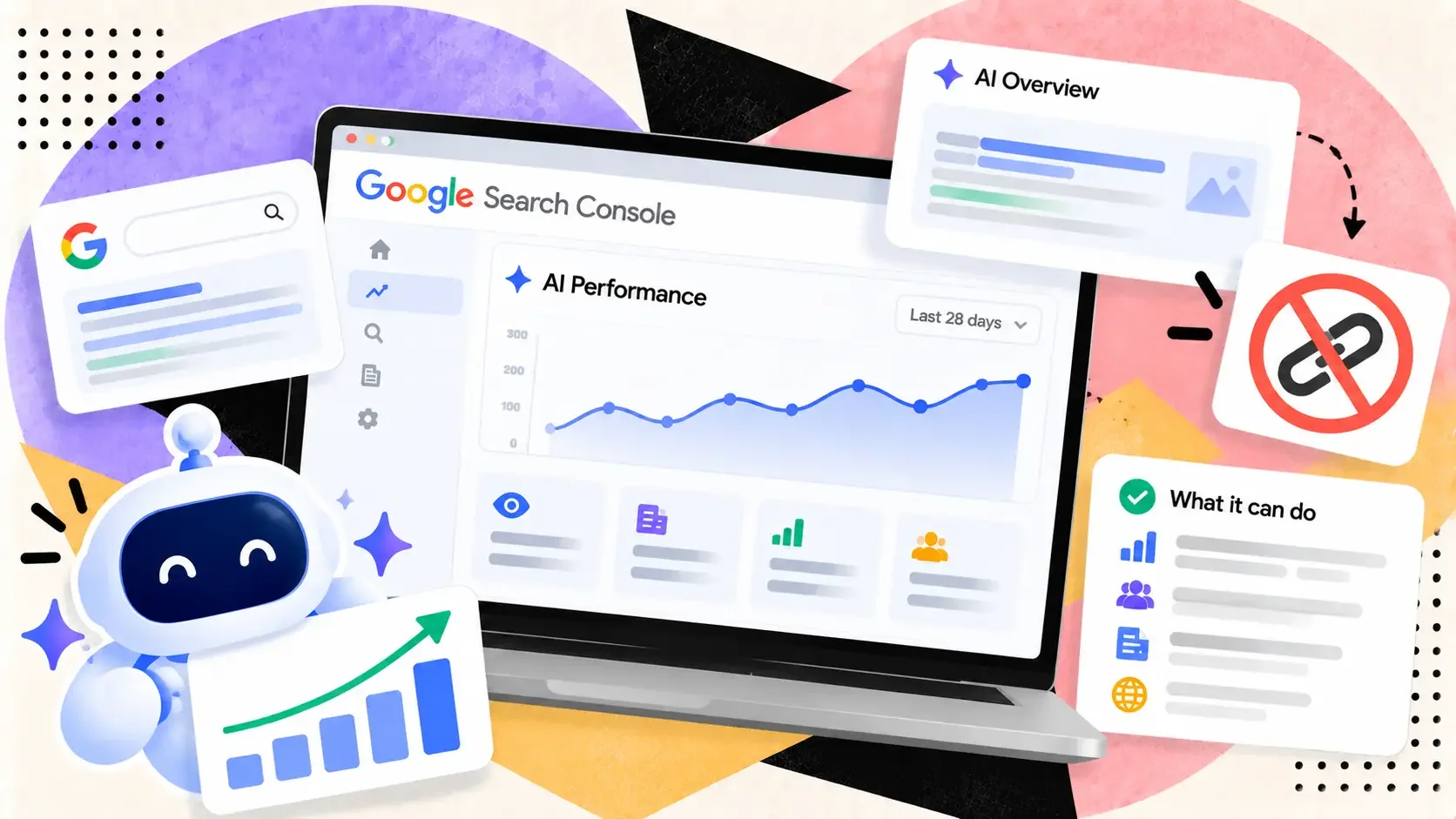
Google's generative AI report shows impressions by page, country, device and date. It says nothing about links. Here's how to pair it with backlink data.
Open the new generative AI report in Search Console and the temptation is immediate: you can finally see which of your pages show up in AI Overviews and AI Mode, so surely you can work out which backlinks put them there. You can't. The report was not built to answer that, and the question is easy to get wrong in ways that look convincing in a spreadsheet.
What Google's documentation says the report is
Per Google's help page for the report, insights reached all websites worldwide as of August 31, 2026. The report covers AI Overviews and AI Mode, and the default view shows impressions, defined as how many times links to your site were shown to a user in a generative AI feature on Google Search. It lets you group those impressions by pages, countries, dates and devices, and filter by web text-based or multimodal search.
Several details matter for anyone doing link analysis. The chart is aggregated by property, so if two results from your site appear in the same AI response they count as one impression in the chart total. The table follows the usual Search performance limits, including the 1,000-row cap. Pages are grouped by the final URL linked after redirects, with data generally assigned to the canonical URL. The report may not appear at all if your site hasn't received enough impressions in generative AI features, or if you've excluded it from them. And Google says Search Labs experiments aren't included.
What the documentation doesn't list is just as telling: there is no query dimension, no mention of clicks, and nothing about which sites link to the page being shown.
Why "impressions by page" can't show link impact
An impression here means a link to your page was displayed. It doesn't say why the system chose that page, what it quoted, or which signals, links among them, affected the choice. The help page covers where and when impressions happen, and says nothing about why.
That leaves any analysis that connects the report to backlinks as a correlation. We've covered that problem before, in our look at schema markup and AI citations, where studies showing large lifts were correlational and the one causal test found almost nothing. Links are subject to the same trap. Pages with lots of referring domains also tend to be older, better linked internally, more useful and more likely to rank for the queries AI features draw on. Any of those could explain an AI impression, and the report can't separate them.
What you can do with it
Used carefully, the report is still worth setting up. Three jobs it does well:
Find the pages AI features already show. Sort the pages table by impressions and note the top 20. That's your list of pages Google's systems are comfortable surfacing, regardless of why.
Spot pages that rank but never appear. Compare that list against your top pages in the standard performance report. A page with strong organic impressions and zero generative AI impressions is a prompt to look at the content itself, not at its links.
Watch trends and test changes. Because the report has a date dimension, you can mark the day you update a page or earn a notable editorial link and look at what happens over the following weeks. One before-and-after is a hint, not proof. Repeating it across several pages is stronger.
A safe way to pair it with backlink data
Export the pages table, then pull referring domains per page from your backlink tool and join the two on URL. Split pages into the top and bottom thirds by referring domains and compare average AI impressions. Treat what you see as a question for follow-up, not a result.
Then test it. Pick two similar pages with similar organic impressions. Earn or build links to one, leave the other alone, and compare their AI impressions across the next month or two. If you're checking that the links you built are live and followed before you read anything into the numbers, SerpCrest's bulk DoFollow checker handles up to 100 URLs at once.
Expect noisy answers. Our post on backlinks versus brand mentions in AI search citations covers why links aren't the only candidate, and why a mention with no link may carry more weight than the report's page-level view can show.
The report shows what AI features display. Anyone who says it reveals which links are responsible is guessing.