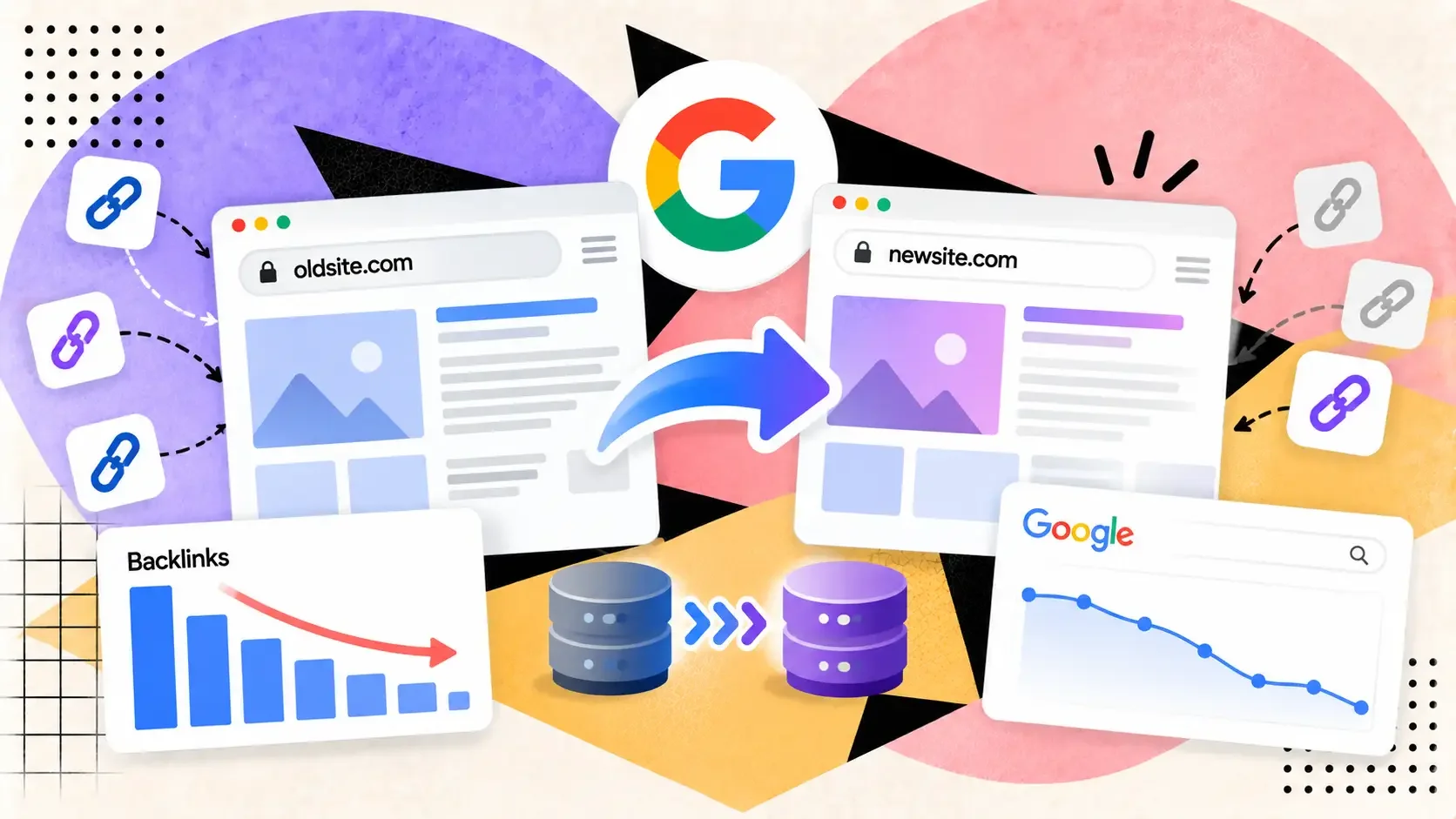
Google says 301 redirects don't lose PageRank, yet rankings often dip after a domain move. Here's what its site move guide covers, and what it leaves to you.
Your new domain is live, the redirects are in, and a month later traffic is down and your rank tracker looks like a bad stock chart. The first suspect is always the backlinks: did the links to the old domain stop counting? Google's guide to moving a site, last updated August 20, 2026, answers that directly, and the answer is more specific than the usual "redirects lose some equity" folklore.
What Google says about link credit
The guide has a bullet titled "Don't worry about link credit," and it reads: "301 and other permanent redirects don't cause a loss in PageRank." If you used a server-side permanent redirect, Google's position is that the redirect itself isn't what cost you.
The guide is equally direct about what to expect instead. "Expect temporary fluctuation in site ranking during the move," it says, and for a medium-sized site, it can take a few weeks or more for Google to start showing the new URLs in place of the old ones. Larger sites take longer. The move is processed URL by URL, and Google says it isn't done until Googlebot has visited every old and new URL at least once.
So a dip in the first weeks is the documented normal. A dip that persists after the redirects have been found and the new URLs are indexed points somewhere else.
Where backlinks can go wrong anyway
A correct 301 passes credit. It doesn't fix any of these.
Redirects to the wrong place. The guide says not to redirect many old URLs to one irrelevant destination, such as the new site's home page, because that can confuse users and might be treated as a soft 404. The exception it allows is a real consolidation: if several old pages were merged into one new page, redirecting them to it is fine.
Chains. Googlebot can follow up to 10 hops, but Google advises redirecting to the final destination directly. If you can't, keep chains short, ideally no more than 3 and fewer than 5. Chains add latency for users, and not every browser handles long ones.
Skipped steps for a domain change. If you're moving from one domain or subdomain to another, Google says to submit a Change of Address in Search Console for the old site, and to do it for every verified variant, including subdomains and the www and non-www versions, even ones you don't use. You don't need it for an HTTP-to-HTTPS move or a www switch on the same domain. Missing a variant is an easy mistake to make and an easy one to fix.
Taking the redirects down too early. Google recommends keeping redirects for as long as possible, generally at least a year, because that period lets it transfer signals to the new URLs, including recrawling and reassigning links on other sites that point at the old ones. That last clause is the one that matters for backlinks: the links on other sites stay pointed at your old URLs until someone edits them.
The backlink job that's left for you
Google asks you to save a list of sites linking to your old URLs before you flip the switch, and after the move to contact those sites and ask them to update their links, prioritized by how many visits each link sends. It also says to re-upload any disavow file to the new property's Search Console account.
That outreach step is the one most teams skip, and the one most likely to explain a slow recovery. Google notes that redirects are slow for users and recommends pointing your own links, and your highest-volume inbound links, straight at the new URLs. A link that goes through a redirect for years still counts, but it depends on a redirect rule you have to keep alive.
A post-move link audit
Within two weeks of the move, export your linking pages from Search Console and your backlink tool, then check three things.
First, that each old URL with meaningful links redirects with a single 301 to its closest equivalent, not to the home page. Second, that the linking pages are still live and still link to you. SerpCrest's bulk DoFollow checker scans up to 100 URLs at once, which suits the list of your top linking pages. Third, which linking sites you have asked to update, starting with the ones sending real visits.
Keep in mind that tools disagree about your link counts after a move. Our post on the Search Console links report bug explains why one tool's number shouldn't be treated as the truth. And links erode on their own: a 1.3-million-link dataset shows most lost links disappear because a page was edited, not deleted, which is another reason to do the update outreach early.
If you bought the new domain secondhand, Google's guide adds a separate warning to check it for manual actions and leftover URL removals before the move. For a related read on redirects and links, see our look at redirect link building with expired domains.
The practical summary: trust the redirect, watch for the mistakes around it, and spend your effort on the part Google leaves to you, getting the links themselves updated.