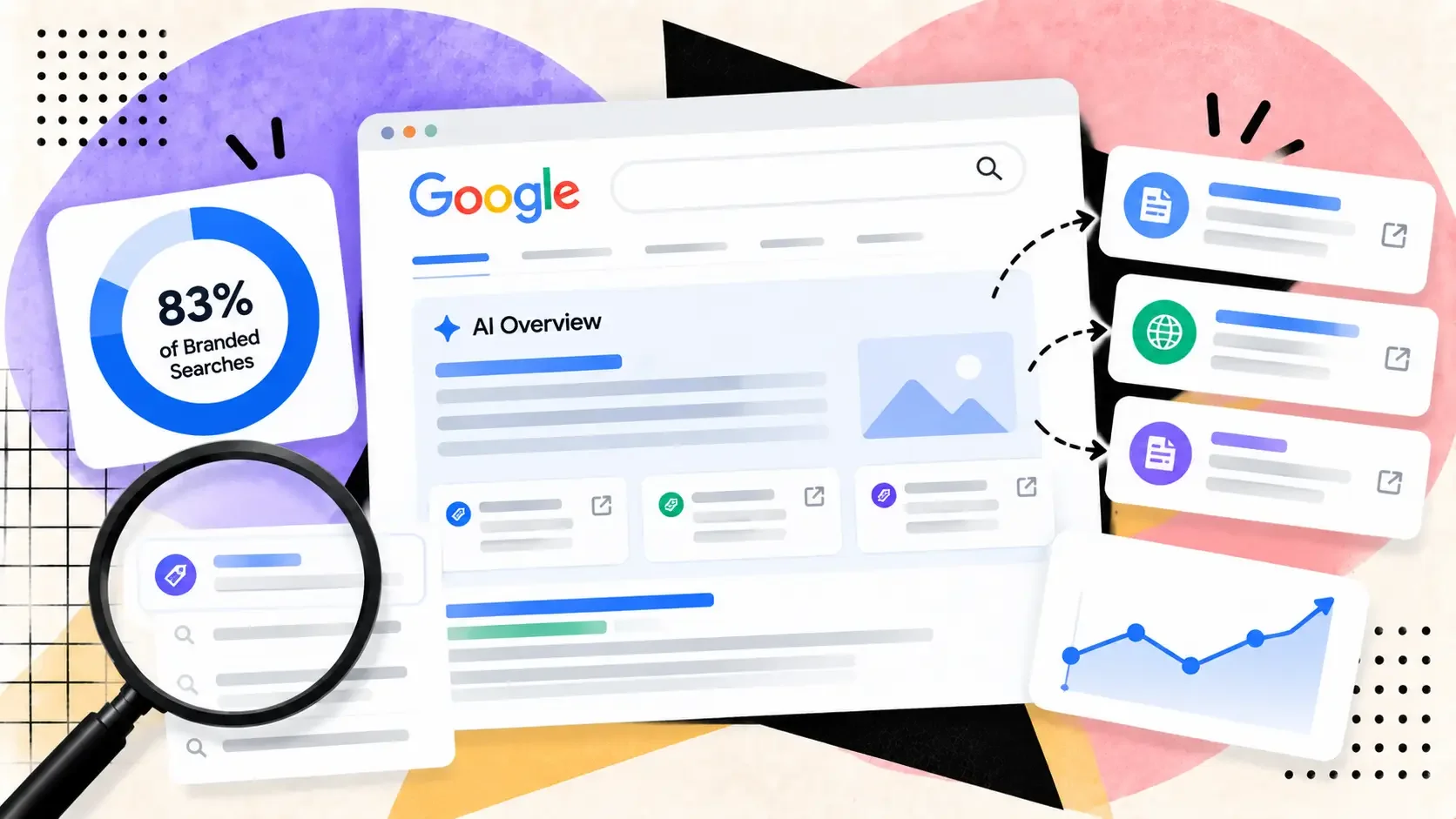
Ahrefs found AI Overviews on 83% of branded searches on one day. See which sites they cite, how to audit your own brand, and how to fix wrong facts.
On October 2, 2026, Ahrefs published a study titled "AI Overviews Currently Appear for 83% of Branded Searches". The headline figure is real, but it is a one-day number. For a brand owner, the more useful parts are which sites the Overview cites and what you can do when it gets your brand wrong. Below is the data, then an audit you can run on your own brand and the fix for each type of source.
What the 83% measures
The Ahrefs study analyzed 232.8 million US desktop Google search-result crawls from July to September 2026: 92.5 million branded-keyword crawls and 140.2 million non-branded ones. It reports that "as of September 29th 2026, AI Overviews appeared in 82.91% of the US desktop search results for branded keywords."
The monthly averages are lower: 61.3% of branded keywords in July, 65.1% in August and 73.3% in September. So the headline is the end of a climb, not the average for the period. The study also says the gap between branded and non-branded keywords narrowed from 12.2 percentage points in July to 5 in September.
A second sample is separate. It covers bare brand names, such as a company name typed on its own. For 100 brand-name queries, the study says 63 of the 100 had an AI Overview by September 30, compared with five among 98 usable results at the July 1 checkpoint. Bare brand names and the wider branded keyword set are different measurements, so the lower figure does not contradict the higher one. Of those 63 AI Overviews, 48 appeared in position one (76.2%).
Which sites the Overview cites
For the 57 big-brand AI Overviews where source lists were visible, Wikipedia was cited in 41 (71.9%), YouTube in 22 (38.6%) and LinkedIn in 13 (22.8%). Yahoo Finance followed at 15.8%, Facebook at 10.5% and Walmart at 7.0%.
The study adds that "only one verified competitor-owned website appeared across 57 available source lists", and that only two of 58 answers (3.4%) explicitly discussed competitors. This is Ahrefs' sample of large brands. It does not tell you what the Overview for a small site's brand cites, which is why the audit below matters more than the averages.
How to audit your own brand's AI Overview
This is our routine. It needs a browser and a spreadsheet.
- Search your bare brand name, then your brand with the words people add to it, such as reviews, pricing, login and alternatives. Google's AI Overviews help page suggests asking "multiple versions of your question", so test several.
- For each search that shows an Overview, copy its text and its source list, and note the date.
- Mark each statement as correct, out of date, wrong or missing.
- For every statement that is wrong or out of date, open the cited sources and find the page that says it. That page is what you need to fix, not the Overview itself.
- Repeat the same searches once a month, so you can see whether a fix has carried through.
If you use Ahrefs, the study describes a faster first pass: in Site Explorer, open the Organic Keywords report, choose Branded Keywords in the Intents drop-down, then add a SERP features filter for AI Overviews. To read the contents of the Overviews and see which domains are cited, it points to its Brand Radar tool. Our post on the Search Console AI performance report covers what Google's own data can and cannot show.
How to fix what each source says
Wikipedia
Do not edit the article about your company yourself. Wikipedia's conflict of interest guideline says editors with a conflict of interest "should disclose" it, are "strongly discouraged from editing affected articles directly", and "may propose changes on talk pages" using the edit COI template. Anyone paid to edit must disclose who is paying them.
So post your request on the article's talk page, state your connection, and link a reliable published source for each change. The guideline says a request that is "verifiable and appropriate" will usually be accepted, and that editors may decline to act on requests. A press release on your own site is weak support. A news article is better.
Your knowledge panel
If Google shows a knowledge panel for your brand, claim it. Google's Get verified on Google help page says to search for the entity, click "Claim this knowledge panel", then sign in to one of the official sites or profiles it lists, such as YouTube or Search Console. Not every panel can be claimed. Where it cannot, Google says you can suggest corrections through the Feedback link under the panel. Its feedback steps for panel managers ask you to "Provide links to web pages that can be used to verify this information". If you are a local business, Google points you to a Google Business Profile instead, which you manage yourself.
Your own site
In Ahrefs' brand-name sample, 48 of 63 Overviews sat in position one, but your site is still one of the pages Google can read. Put the facts people get wrong, such as what you sell, where you operate and current prices, in plain sentences on your About and product pages, and keep them current. Then the correct version exists on a page you control when you ask Wikipedia editors or review sites to change theirs.
You control your own company Page. LinkedIn's help page on editing a Page says a super admin can edit the details shown in the Home and About tabs. Check that the overview, website, industry and location match your site, since the Page is one of the sources an Overview can pull from.
YouTube
You cannot edit someone else's video. The practical options are to publish an official video that answers the same question with current facts, and to ask the creator of an outdated video to add a correction in its description. Ahrefs quotes Ann Smarty's concern that cited videos were not from the brand's official account and "may very well include outdated product information."
Review sites and forums
Reply in public to wrong or outdated claims with the correct facts, and fix your own profile where the site lets you claim one. Do not answer bad reviews with paid ones. In the US, the FTC's final rule on fake reviews, announced August 14, 2024, prohibits buying or selling fake reviews and using "unfounded or groundless legal threats" to remove negative ones.
Report a wrong Overview to Google
Google's help page says AI Overviews "can and will make mistakes" and asks you to send feedback when something looks wrong. The steps are:
- At the bottom of the Overview, click the thumbs down icon.
- Click Report a problem and choose the category that fits.
- Add details in the text field, such as the correct fact and a page that proves it.
- Click Submit. Google says the feedback includes your most recent search and its results.
Google does not promise that one report will change the answer. Send the report, but put more effort into correcting the page the Overview cites, since that is the part you can change.
What this means for links and mentions
Backlinks to your own site do not appear in the Ahrefs data. What does appear is a short list of third-party domains that shape the summary of a brand. Ahrefs does not draw a conclusion about links, but the list is a reason to spend some link work on the pages that describe you.
Keep your official profiles consistent and connected to your site; our walkthrough of the sameAs schema blueprint covers how. It does not promise citations, and neither does this study. Favor mentions on trusted third-party pages, since backlinks versus brand mentions explains why a mention can matter even without a link. And remember that AI systems can be poisoned, so watch for false claims as well as stale ones. For links you earn from sources that matter, SerpCrest's bulk DoFollow checker checks whether they are still live, dofollow and indexed.
Do not quote 83% as a fact about all branded searches. Search your own brand this week, list every source the Overview cites, and start with the one page that gets you most wrong.